Login-Screen Unlock & Reset
A secure Windows and Mac credential provider adds a self-service Unlock & Reset option right at the login screen.
Lockouts strike before network login — and before IT can help.
Login Reset puts recovery right at the screen, MFA-verified.
Cached credentials update automatically.
No second call, no downtime.












































Protecting the world’s workforce since 1997 • Over 15 Million Licenses Sold
The Pre-Login Recovery Gap
Most identity recovery assumes the user can already reach a browser, portal, app, VPN, or help desk workflow. But many lockouts happen before that. A user is sitting at the Windows or Mac login screen. Their password is forgotten, expired, locked, or out of sync. Cached credentials may not match. They may be remote, off-network, traveling, or disconnected from the corporate VPN. At that moment, normal self-service is out of reach. That is the pre-login recovery gap.
What it is
Avatier Login Reset embeds secure, MFA-verified recovery directly into the Windows and Mac login screen, so users can unlock accounts, reset expired or forgotten passwords, update cached credentials, and return to work before they ever sign in.
Login Reset Features
Turn the Windows and Mac login screen into a zero-trust gateway — MFA-verified reset, unlock, enrollment, and passwordless provisioning, before the network.
A secure Windows and Mac credential provider adds a self-service Unlock & Reset option right at the login screen.
Intercepts the Ctrl+Alt+Del password sequence and redirects users to Avatier's branded, policy-consistent portal.
Require MFA before any reset — supports all leading MFA and FIDO2, plus adaptive authentication by geo, user, group, or OU.
Detects users not enrolled in Password Management or MFA at login and guides them through enrollment automatically.
New hires set their first password via secure HR-data identity lookup (hire date, manager) — before their first login, no IT.
Updates locally cached credentials after a reset to prevent secondary lockouts when working off the corporate network.
A locked-down browser connects only to Avatier's verified portal — no other sites, no keyboard-shortcut bypass.
Works on Active Directory–joined, Entra ID–joined, and hybrid workstations, plus Citrix and VDI environments.
Guarantees universal adoption of recovery and MFA controls — full coverage without manual oversight.
One branded reset experience across every user, region, and device — localized in 34 languages.
Around-the-clock Windows and Mac recovery that eliminates the #1 source of help desk calls.
Login Reset gives every stakeholder a different win: stronger access control for security, fewer lockout disruptions for IT leadership, lower help-desk cost for finance, better workforce continuity for executives, practical recovery tools for IAM teams, and clearer category positioning for analysts and investors.
Login Reset gives enterprises a controlled way to verify users, enforce recovery policy, and restore access directly from the Windows and Mac login screen. It supports security reviews and compliance workflows by helping teams show that pre-login recovery, account unlocks, password resets, enrollment, and cached credential updates follow approved verification and policy controls.
MFA at the login screen where the problem begins
Pre-login recovery without a new security gap
Recovery that follows enterprise security policy
Built for Workstation Recovery
Login Reset brings secure recovery to the Windows and Mac login screen across Active Directory, Entra ID, hybrid workstations, MFA methods, and virtual desktop environments — without forcing IT to rebuild the identity stack.

Embed Unlock & Reset directly into the workstation login experience so users can recover access before they reach the desktop, browser, VPN, portal, or apps.

Support recovery across Active Directory joined, Entra ID joined, and hybrid workstations so users can reset passwords, unlock accounts, and return to work from the first access point.
Verify users before access is restored by connecting login-screen recovery to approved MFA and FIDO2 authentication methods (Microsoft Authenticator, Duo, FIDO2).
Extend secure pre-login recovery to remote, hybrid, virtual desktop, and off-network users who cannot rely on a normal portal or VPN path when locked out.
| Capability | Avatier | Others / Industry-Wide |
|---|---|---|
| Reset & unlock at the Windows / Mac login screen | Full | Partial |
| Ctrl+Alt+Del intercept & redirect | Full | Not offered |
| MFA-verified recovery (all MFA / FIDO2) | Full | Partial |
| Adaptive authentication (geo / user / group / OU) | Full | Partial |
| Automatic enrollment detection at login | Full | Not offered |
| Passwordless new-hire provisioning (HR lookup) | Full | Not offered |
| Automatic cached-credential update | Full | Partial |
| Secure controlled (locked-down) browser | Full | Partial |
| Windows, Mac, Entra ID, hybrid + VDI | Full | Partial |
| Forced enrollment | Full | Partial |
| Branded reset in 34 languages | Full | Partial |
Native / full capabilityPartial or add-onNot offered
Side By Side
Traditional workstation login recovery often leaves users stuck before they can reach the portal, VPN, browser, or help desk workflow. Login Reset brings verified recovery directly to the Windows and Mac login screen, so users can restore access where the problem begins.
Traditional login recovery waits until users are already stranded. Login Reset gives them a secure path back before the workday stops.
Rollout
Login Reset is designed for IT and IAM teams to deploy secure pre-login recovery without replacing the identity stack, disrupting workstation access, or forcing locked-out users back to the help desk.
Add the Avatier credential provider to Windows and Mac login screens so users can access Unlock & Reset before signing in.
Connect Login Reset to Active Directory, Entra ID, hybrid workstations, and connected identity systems so users can reset passwords, unlock accounts, and restore access from the first access point.
Apply MFA verification, password policy, enrollment rules, and adaptive authentication so pre-login recovery follows the same security standards as the rest of the identity environment.
Update network credentials and locally cached workstation credentials after a successful reset so users can sign in immediately and avoid repeat lockouts.
IT and IAM teams can give users secure recovery at the login screen without rebuilding the environment or making the help desk the default recovery path.
Login Reset delivers a governed pre-login recovery experience in the user's native language across Windows and Mac login screens — covering 34 languages so remote, hybrid, and global workforces can recover access from the first moment without waiting on help-desk translation support.
 EnglishSupported
 SpanishSupported
 FrenchCurrent Site
 GermanSupported
 JapaneseSupported
 Portuguese (Brazil)Supported
 Simplified ChineseSupported
 KoreanSupported
 ItalianSupported
 DutchSupported
 HindiSupported
 ArabicSupported
 SwedishSupported
 Spanish (Mexico)Supported
 French (Canadian)Supported
 Portuguese (Portugal)Supported
 Traditional ChineseSupported
 RussianSupported
 PolishSupported
 TurkishSupported
 IndonesianSupported
 ThaiSupported
 DanishSupported
 NorwegianSupported
 FinnishSupported
 GreekSupported
 CzechSupported
 HungarianSupported
 SlovakSupportedCatalanSupported
 Arabic (Egyptian)Supported
 BengaliSupported
 UrduSupported
 SwahiliSupportedEnglishSupportedSpanishSupportedFrenchCurrent SiteGermanSupportedJapaneseSupportedPortuguese (Brazil)SupportedSimplified ChineseSupportedKoreanSupportedItalianSupportedDutchSupportedHindiSupportedArabicSupportedSwedishSupportedSpanish (Mexico)SupportedFrench (Canadian)SupportedPortuguese (Portugal)SupportedTraditional ChineseSupportedRussianSupportedPolishSupportedTurkishSupportedIndonesianSupportedThaiSupportedDanishSupportedNorwegianSupportedFinnishSupportedGreekSupportedCzechSupportedHungarianSupportedSlovakSupportedCatalanSupportedArabic (Egyptian)SupportedBengaliSupportedUrduSupportedSwahiliSupported
Login Reset answers a different question for every stakeholder. CISOs want verified recovery before access is restored. CIOs want consistent workstation recovery across Windows, Mac, remote, hybrid, and virtual environments. CFOs want fewer lockout tickets and less lost time. CEOs want workforce continuity. IT and IAM teams want cached credential updates, MFA enforcement, enrollment support, and deployment control. Compliance teams want recovery that is controlled and reviewable. Analysts want to understand how Login Reset extends Credential Governance to the first moment of access.
Verify Recovery Before Access Is Restored
Recognized on Gartner Peer Insights
Based on 14 verified customer reviewsIdentity Governance and Administration
Read the reviews on Gartner Peer InsightsLogin Reset is Pillar 4 — the pre-login recovery layer of Credential Governance inside Avatier Identity Anywhere. Explore the supporting pillar briefs to see how Avatier extends Credential Governance across password enforcement, self-service recovery, help-desk-assisted resets, login-screen recovery, and hybrid passwordless access.
Further reading

Temporary passwords are the recovery credential class that most enterprises still issue, share insecurely, and persist beyond their intended scope. NIST 800-63B Rev. 4 raised the bar in 2025, and the 2026 architectural pattern moves further — away from temporary passwords toward workflow-verified recovery. The enterprise reference on what's required, what's recommended, and where temporary passwords genuinely still belong.
Read more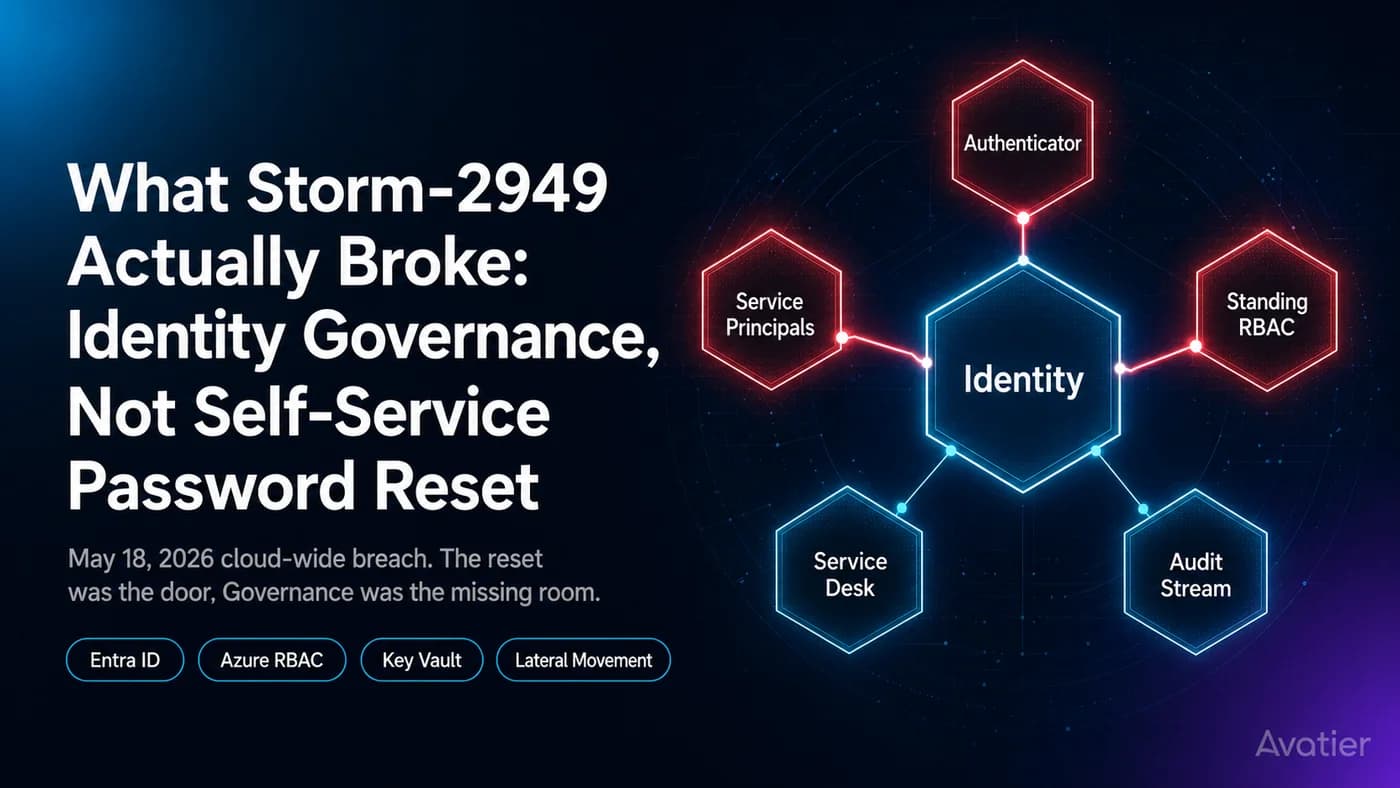
Microsoft's Storm-2949 disclosure exposed an identity governance gap, not a password gap. What service-principal hygiene, JIT RBAC, and lifecycle attestation would have caught.
Read more
Complexity rules don't measure what attackers actually exploit. Strength does. The architecture that produces strong workforce passwords without the 'Spring2026!' rotation theater that wastes everyone's time.
Read moreSee It In Your Environment
Give users a secure way to recover access from the Windows or Mac login screen — before lockouts become help desk tickets, lost time, or another stalled workday.
No commitment. 30-minute walkthrough. Same-day response.
Savings Calculator
Enter your company size and see how much your help desk spends on password resets — and how much Avatier Credential Governance saves.
Avatier Credential Governance reduces your cost by
Over 1 year