Group Changes by Conversation: Avatier Group Management
A group membership request is routine work that leaves sprawl behind when nobody sets an end date. How to run each change with an owner, a policy, and a record, and how Avatier does it.

A group membership request is routine work that leaves sprawl behind when nobody sets an end date. How to run each change with an owner, a policy, and a record, and how Avatier does it.
- A group membership request asks for one person to be added to, or removed from, a group that grants access.
- Group changes are routine, so they are easy to wave through. Without an end date, a membership outlasts the reason it was granted.
- Treat each membership as having a lifespan: requested, added, used, and expired, with the end date set when the request is made.
- Four parties make a group change safe: the requester, the group owner, the policy, and the evidence.
- With Avatier Actions, a person asks in Teams, Outlook, Claude, or Copilot, and Group Management runs the change through existing policies, approvals, and roles.
A group membership request asks for one person to be added to, or removed from, a group that grants access. With Avatier Actions, that request is a conversation: an employee or manager asks in Teams, Outlook, Claude, or Copilot, and the change runs through the organization's existing policies, approvals, and roles.
Group changes are small and routine, and once they are done, they are easy to forget. That is exactly why each one needs an owner, an end date, and a record.
Why routine group changes turn into sprawl
A group is a shortcut. Grant the group access once, and everyone in it inherits that access. The membership, though, changes one request at a time. Someone joins a project and needs the shared folder. A contractor needs the build server for a sprint. A manager covers for a colleague and needs to see the team's reports.
Each request has a clear reason on the day it is made. None of them carries the date when that reason ends. The project closes, the sprint ships, the colleague comes back, and the membership stays, because nothing asks for it to come off.
Ownership drifts the same way. The person who owned a group changes roles, and new requests for that group have nobody accountable to decide them. Nesting adds a third layer: put one group inside another, and every member of the inner group inherits the outer group's access, whether or not anyone looked at the combined result.
None of this needs a bad decision. It only needs a missing one.
If the estate has already sprawled, that is a remediation job, covered in our Active Directory group cleanup program. If membership should follow attributes such as department or location, a rule does it better than requests; see dynamic group membership automation. This post is about the changes in between: the individual adds, removals, and ownership changes that people ask for one at a time.
The life of a group membership
Treat every membership as having a lifespan, not only a start date.
| Stage | What happens | The question to answer |
|---|---|---|
| Requested | A person asks to be added, or a manager asks for them | Who, which group, why, and for how long? |
| Added | The approver agrees and the membership is applied | Who approved it, under which policy? |
| Used | The person uses what the group grants | Is the reason still true? |
| Expired | The end date arrives and the membership comes off | Was it removed, or renewed with a fresh approval? |
The stage that is easiest to skip is the last one. A membership with no end date has no expiry stage at all; it lasts until a review or a cleanup finds it. Setting the date when the request is made costs one question: how long do you need it?
A renewal is not a failure. If the person still needs the group when the date arrives, they ask again and the owner decides again. What matters is that someone made a decision, rather than the membership surviving by default.
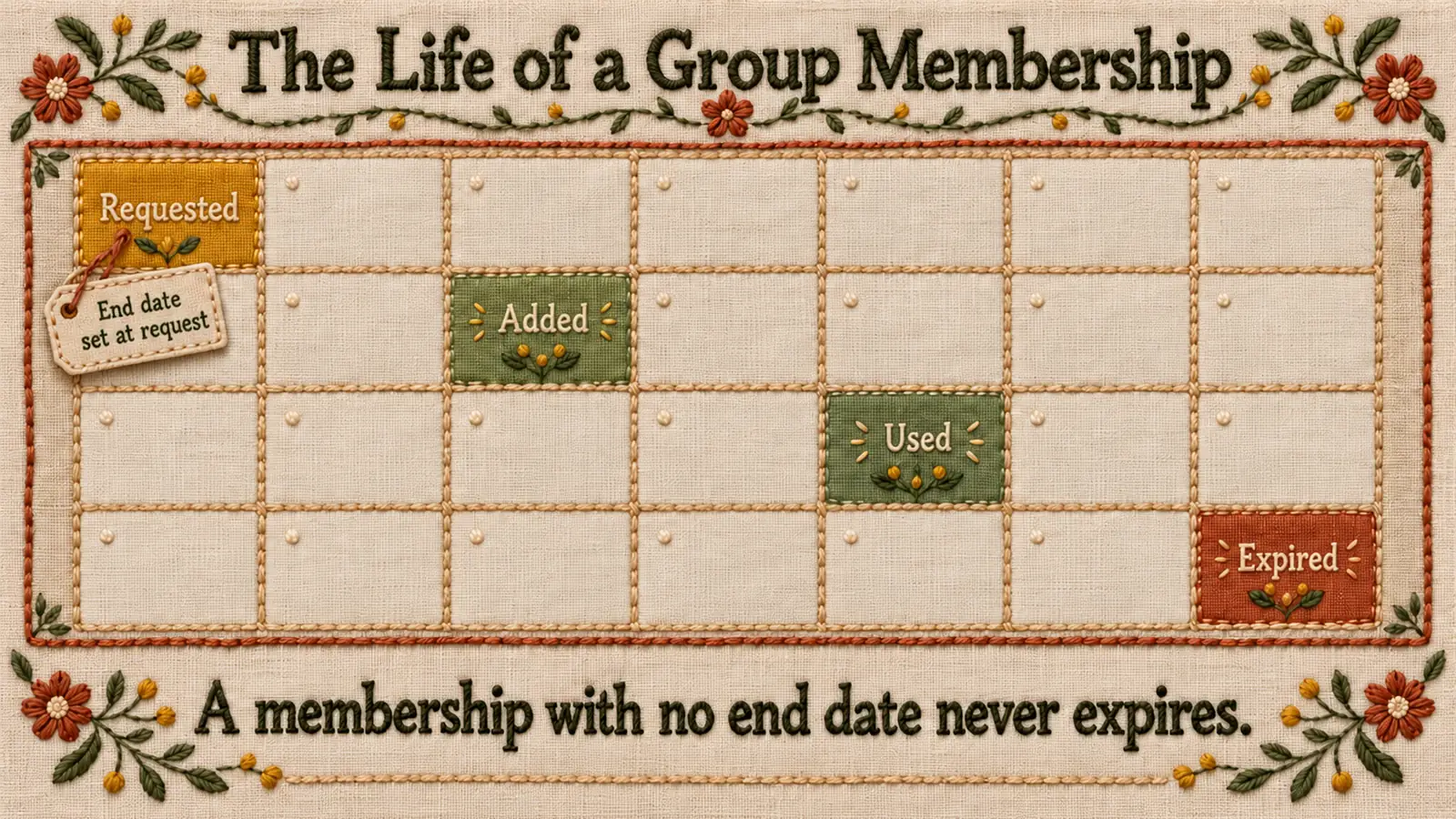 Every membership should reach an end: the date is set when the request is made, and the membership comes off unless someone renews it.
Who does what in a group change
A safe group change has four parties, and each one answers a different question.
- The requester asks for the change, names the person and the group, gives the reason, and says how long the membership is needed.
- The group owner decides whether the person belongs in the group. Group owner approval ties each membership to someone accountable for what the group grants.
- The policy sets the rules: who may be added, who must approve, how long a membership can last, and whether a group may be nested inside another.
- The evidence records what happened: who asked, what changed, under whose authority, which policy allowed it, and the result.
This is not a new idea. NIST SP 800-53 Rev. 5 control AC-2, Account Management, has organizations require prerequisites and criteria for group and role membership; its organization-defined parameter specifies that "prerequisites and criteria for group and role membership are defined." The requester, owner, and policy are how those criteria get applied to one change. The evidence is how you show they were.
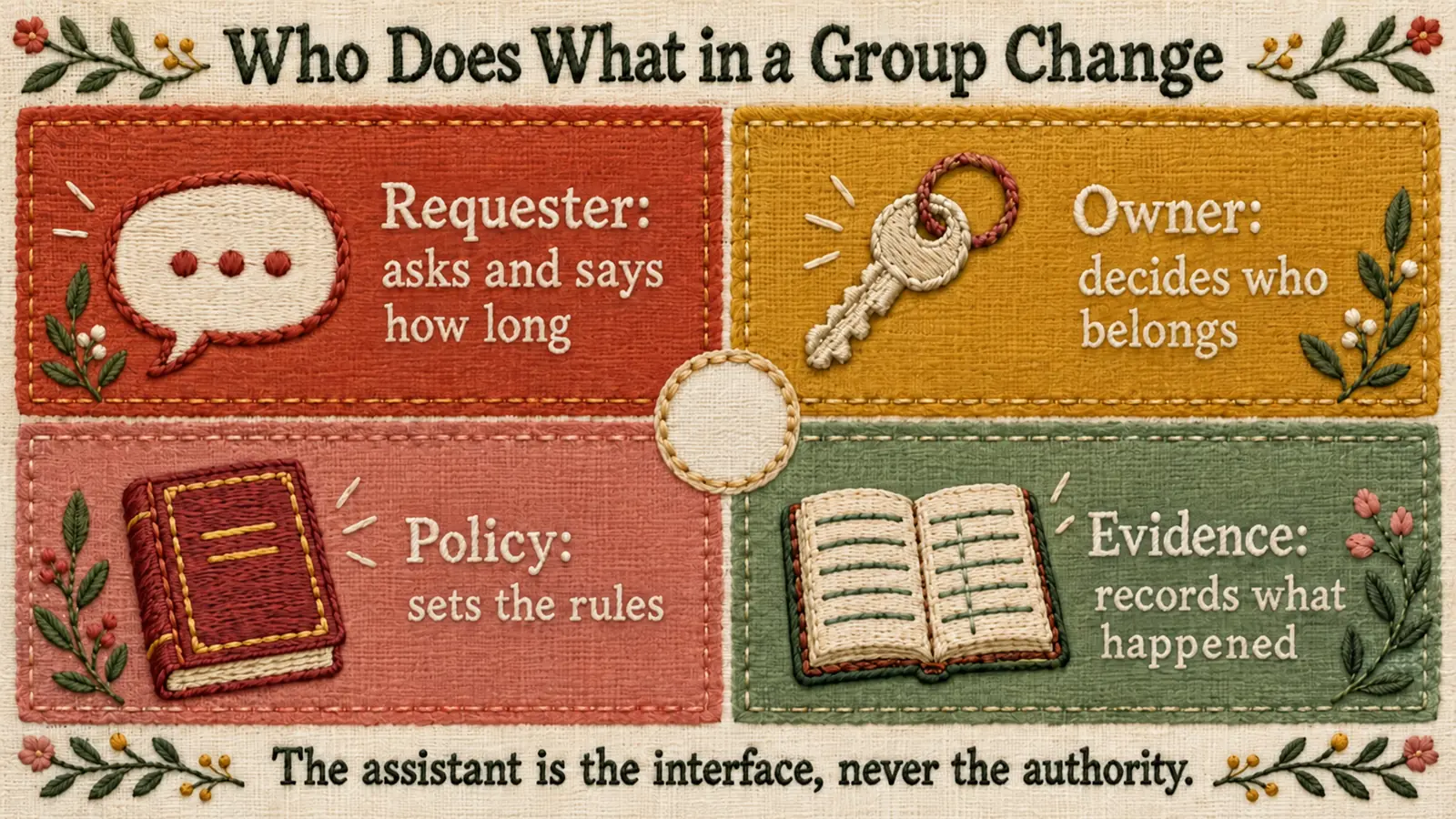 Four parties, four questions: the requester asks, the owner decides, the policy sets the rules, and the evidence records the outcome.
Self-service group management that stays clean
Self-service group management works when the request is easy and the governance is unchanged. As general practice:
- Capture structured facts from a plain-language ask. "Add Priya to the finance reporting group until the quarter closes" contains the person, the group, the reason, and the end date. Collect all four.
- Default to an end date. Temporary memberships expire. A permanent need is stated as permanent and approved as one.
- Route to the group owner. If a group has no owner, fix that first. An ownership change is itself a group change and needs its own approval.
- Check nesting before you nest. Adding a group to a group grants everything the outer group grants to everyone in the inner one.
- Make removal as easy as joining. Leaving a project should be as simple to ask for as starting one.
- Record every change with its approval. The record and the approval belong to the same event, not to two systems that have to be matched later.
The same pattern applies to access requests made in chat. The Identity Challenge Card blog walks through it in Access Requests in Microsoft Teams, Governed by Avatier. For the wider set of routine identity requests a service desk handles, see AI service desk automation.
What Avatier ships for group changes
In Avatier Identity Anywhere 2027™, access approvals, policy enforcement, and lifecycle changes are among the Secure Outcomes: completed, verified, policy-compliant activities.
Avatier Actions exposes more than 50 identity outcomes as MCP tools across eight modules. Group Management covers twelve actions, from membership and ownership to nesting and expiration. Workflow Approval covers pending requests and history, and Access Governance covers campaign management and review.
An employee or manager asks in Teams, Outlook, Claude, or Copilot, and the outcome runs through the customer's existing policies, approvals, and roles. Nothing bypasses governance, because the assistant is the interface, never the authority. Setup is one administrator connection, with permissions inherited from the identity platforms customers already run: Microsoft Entra ID, Active Directory, Okta, and Ping. Avatier operates alongside them rather than replacing them.
Avatier Ledger turns every outcome into evidence. Each Secure Outcome records the identity involved, the initiating agent or experience, the authorization context, the policy applied, the action taken, and the final result.
For the platform and the invitation-only preview, see the Avatier Identity Anywhere 2027™ site. For credential lifecycle, see Credential Governance™. For the company, see avatier.com. For compliance, see the Avatier Trust Center: SOC 2 Type II audited with no exceptions noted, and ISO/IEC 27001:2022 certified.
Getting started with Avatier
Group changes suit a first workload for Avatier Identity Anywhere 2027™, because the policies, approvals, and roles they run through already exist. Avatier Actions connects once at the administrator level, with permissions inherited from Entra ID, Active Directory, Okta, or Ping. Pricing follows Pay Per Identity Action™: customers pay only for completed, verified, policy-compliant outcomes. Getting started is free, deployment services are included, and a 45-day money-back guarantee applies. For the full terms in the invitation-only preview, see Identity Anywhere 2027.
ABOUT THE AUTHOR

More from IAM & Identity Governance

Contractor and Third-Party Access Governance with Avatier
Contractors and vendors need real access for a limited time, and their accounts outlive the engagement. How to bound third-party access to the engagement and prove it ended, with Avatier.

Joiner-Mover-Leaver Automation: Governed Changes with Avatier
Joiner-mover-leaver automation runs every lifecycle change as a governed identity action. Why movers are where access piles up, and how Avatier runs changes through policy.

What Is a Secure Outcome? Avatier's Unit of Identity Work
A Secure Outcome is a completed, verified, policy-compliant identity activity. The categories, the six fields each one records, and why it is the unit Avatier customers pay for.