Identity Governance for State and Local Government, with Avatier
CISA's state and local grant program lists MFA, enhanced logging and no default passwords. How a lean county or state IT team covers resets, shared counters and term-end churn with Avatier.

CISA's state and local grant program lists MFA, enhanced logging and no default passwords. How a lean county or state IT team covers resets, shared counters and term-end churn with Avatier.
- Identity governance for state and local government means verified resets, MFA on every login, access that follows HR events, and evidence an auditor can follow.
- CISA's State and Local Cybersecurity Grant Program lists implementing MFA, enhanced logging and ending default passwords among its cybersecurity best practices.
- Avatier Password Portal, Login Reset and Assisted Reset let staff recover access with MFA first and return to work without calling IT.
- Avatier Strong MFA Login covers shared workstations, VDI and Citrix with no TPM or PKI, which fits public-counter terminals.
- HR User Provisioning, Group Automation and Access Governance tie seasonal, temporary and departing staff's access to HR records and certifications.
Identity governance for state and local government is the work of deciding who can reach county, city and state systems, verifying each person before a reset or login, removing access when a season, an assignment or a term ends, and proving all of it to an auditor. For a lean IT team, the job is to do that without adding help-desk staff.
This post goes one level deeper than the government section of Industries That Need Identity Management Most in 2026, which also covers state-level cloud programs such as GovRAMP. For federal agencies, see Why FISMA Compliance Programs Still Fail in 2026. Here the reader is a state or county CIO or CISO running courts, motor-vehicle offices, county staff and elections with a small team.
What state and local IT is being asked to do
The clearest federal signal for state and local identity work is a grant program, not a mandate. CISA's State and Local Cybersecurity Grant Program serves "state, local, tribal, and territorial (SLTT) governments," and CISA says it "is designed to allocate funding to the most vulnerable and least mature cyber entities: local governments."
Under "Key Requirement: Cybersecurity Best Practices," the page lists the practices provided in the grant notice. Three of them are identity work:
- "Implement multifactor authentication"
- "Enable enhanced logging"
- "Prohibit use of known/fixed/default passwords and credentials"
As general guidance, those three map to four daily jobs for a public employer: resets that verify the person, MFA that reaches shared counters, access that follows HR events, and a record of every decision.
| Daily job | Where it shows up | Avatier pillar |
|---|---|---|
| Verified resets | Courts, motor-vehicle offices, county staff | Password Portal, Login Reset, Assisted Reset |
| MFA on every login | Shared public-counter terminals, VDI, Citrix | Strong MFA Login |
| Access that follows HR | Seasonal, election and term-end churn | HR User Provisioning, Group Automation |
| Evidence on the record | State and legislative audit | Access Governance, Identity Actions |
Resets that verify the person, without growing the help desk
A small help desk feels every forgotten password. Avatier Credential Governance™ splits recovery into three paths, each with MFA first.
Password Portal gives users "one governed place to unlock accounts, recover forgotten passwords, change passwords, enroll recovery methods, view account status, review activity, link accounts, and return to work." Every action is "MFA-verified, enforced by Password Firewall, synchronized across required systems, and logged for compliance," and it works in 34 languages.
Login Reset handles the lockout at the Windows or Mac login screen, before the user can reach a portal. It requires "MFA before any reset" and "supports all leading MFA and FIDO2," so staff can "return to work without calling IT."
Assisted Reset covers the calls that still reach the desk. "Every challenge goes to the user — the agent only sees pass or fail," using existing MFA methods such as Microsoft Authenticator, Okta Verify, Duo and Google Authenticator. Agent access can be delegated "by group, region, OU, or support function," which suits a state help desk that supports several agencies or a county desk that supports several departments.
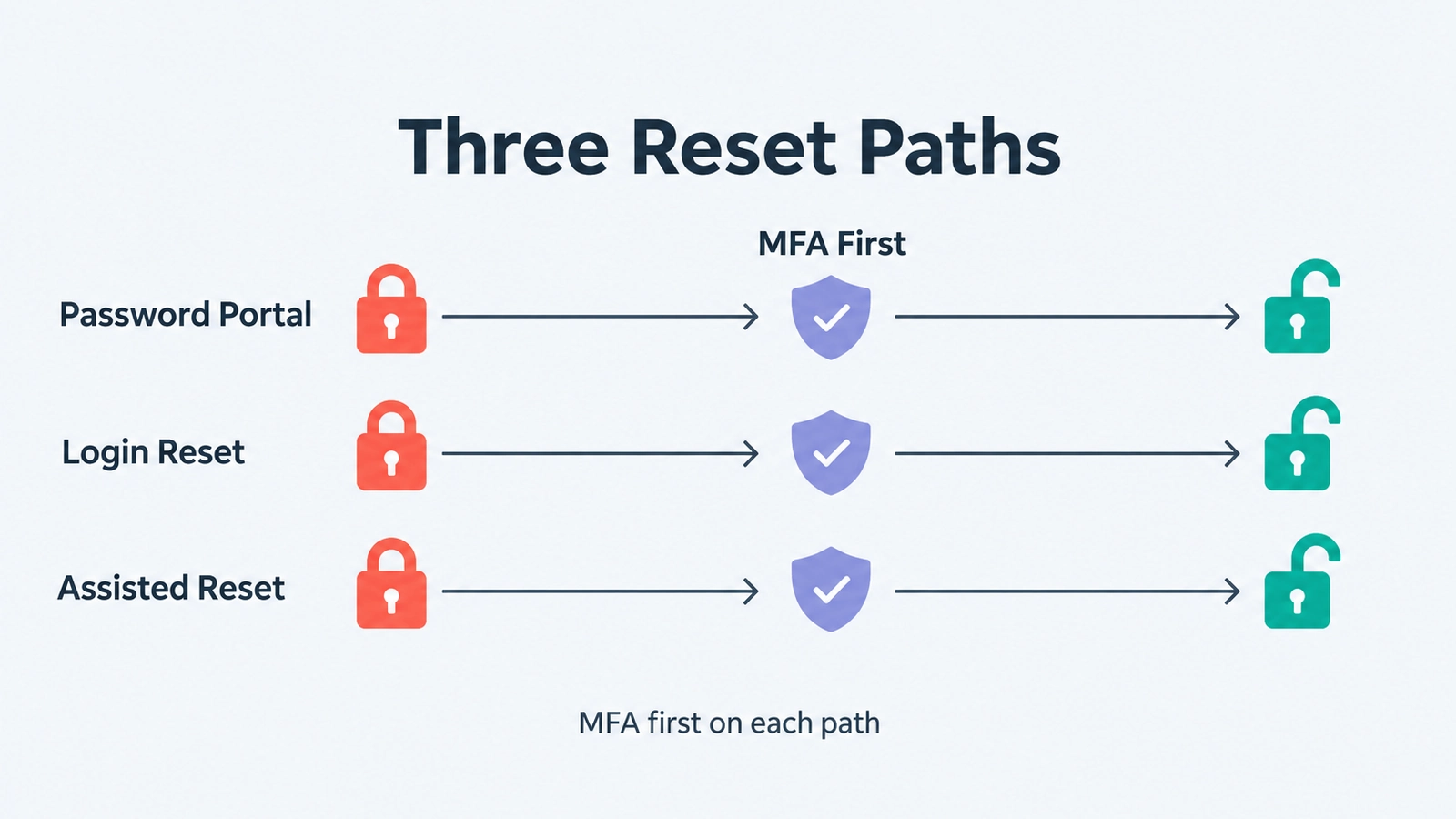 Each reset path verifies the person with MFA before access is restored, so a lean help desk handles the calls that are left.
MFA on shared public-counter workstations
As general guidance, where public counters, courtrooms or records offices run on shared terminals and virtual desktops, an app-by-app MFA rollout can leave gaps. A shared terminal needs the second factor at the login itself, so the person signing in proves who they are each time.
Avatier Strong MFA Login binds a strong second factor "to every password authentication event — interactive, network, or service-account," and "the directory issues no ticket until both the password and the second factor verify." It "Supports RDP, Citrix, and shared workstations and servers," and its gateway covers "physical servers, shared workstations, VDI, and Citrix — with no TPM chip or PKI lock-in." Factors include Microsoft Authenticator, Okta Verify, Duo, RSA and the Avatier Identity Challenge Card™, a deviceless factor for sites where phones are banned or impractical.
For the full pillar, see Strong MFA Login.
Seasonal, election and term-end churn
As general guidance, plan for access changes that follow the calendar: seasonal crews, temporary election staff, interns, and elected officials whose terms end on a fixed date.
Avatier HR User Provisioning turns "every HR event, from hire to retire," into "an automated, zero-trust identity workflow across AD, Entra ID, Microsoft 365, and every connected app." It connects to "70+ HR and payroll systems through a single unified integration." The page names seasonal workers directly: organizations "with recurring hiring cycles need fast onboarding, access removal and license reclamation when assignments end, and correct role-based access when workers return."
On a leave, "Access is suspended during a leave and restored on return." When a term or job ends, "the moment HR marks someone terminated, Avatier disables their accounts and revokes access." For leave and rehire, see Leave of Absence and Rehire; for transfers between departments, see Joiner-Mover-Leaver Automation.
Group Automation keeps group membership in step, driven from "title, department, location, and manager," with "no scripting and no PowerShell." You can "Test any rule before it goes live" and run it "daily, weekly, or monthly." For short-term staff, Change Account Expiration lets managers "Set end dates for contractors and temps," and Avatier "removes it on schedule."
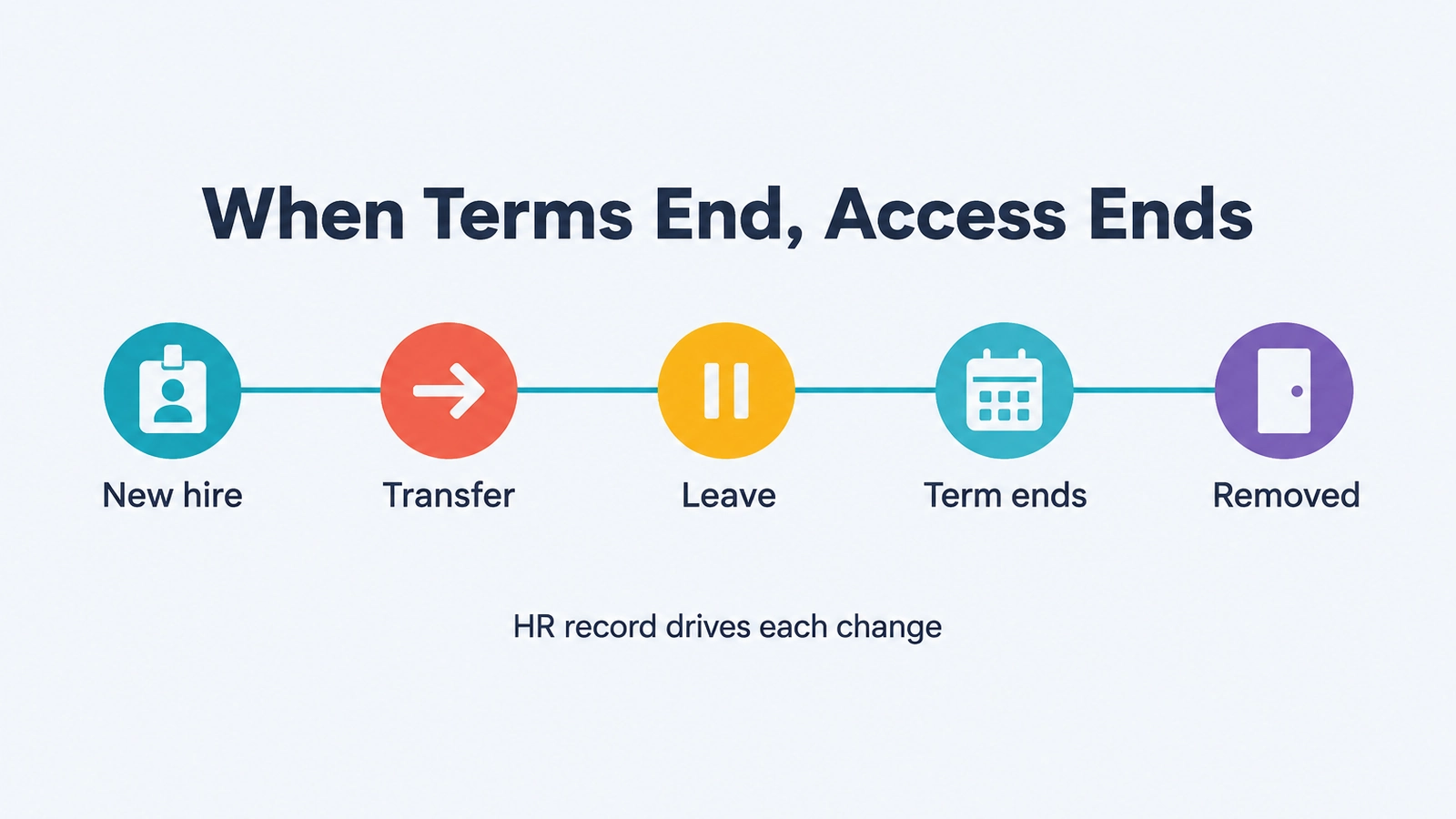 Hire, transfer, leave and the end of a term or season each start from the HR record, so access is added or removed on schedule.
Evidence for state auditors and legislative audit
As general guidance, an auditor wants each access decision with its requester, approver, date and review, not a policy binder.
Avatier Access Governance captures Access Certification Snapshots, "a real-time view of who has access to what," routes each review to the right owner, and lets reviewers "approve or revoke in a click." Delta certification means "each cycle reviews only what changed." Behind every decision, "the built-in Compliance Manager flags risk, tracks status, supports multi-level approvals, and captures evidence." Between campaigns, patent-pending Continuous Governance™ "detects orphaned accounts and revokes access that no longer fits."
Requests can also start in an AI assistant. The Avatier MCP Server lets staff "Unlock, reset, request, approve and provision in plain language, with the same verification, policy and approvals as the Avatier console," and "Requests land in Request History, ready to review and export." Together, these help support the access evidence a state auditor or legislative auditor asks for.
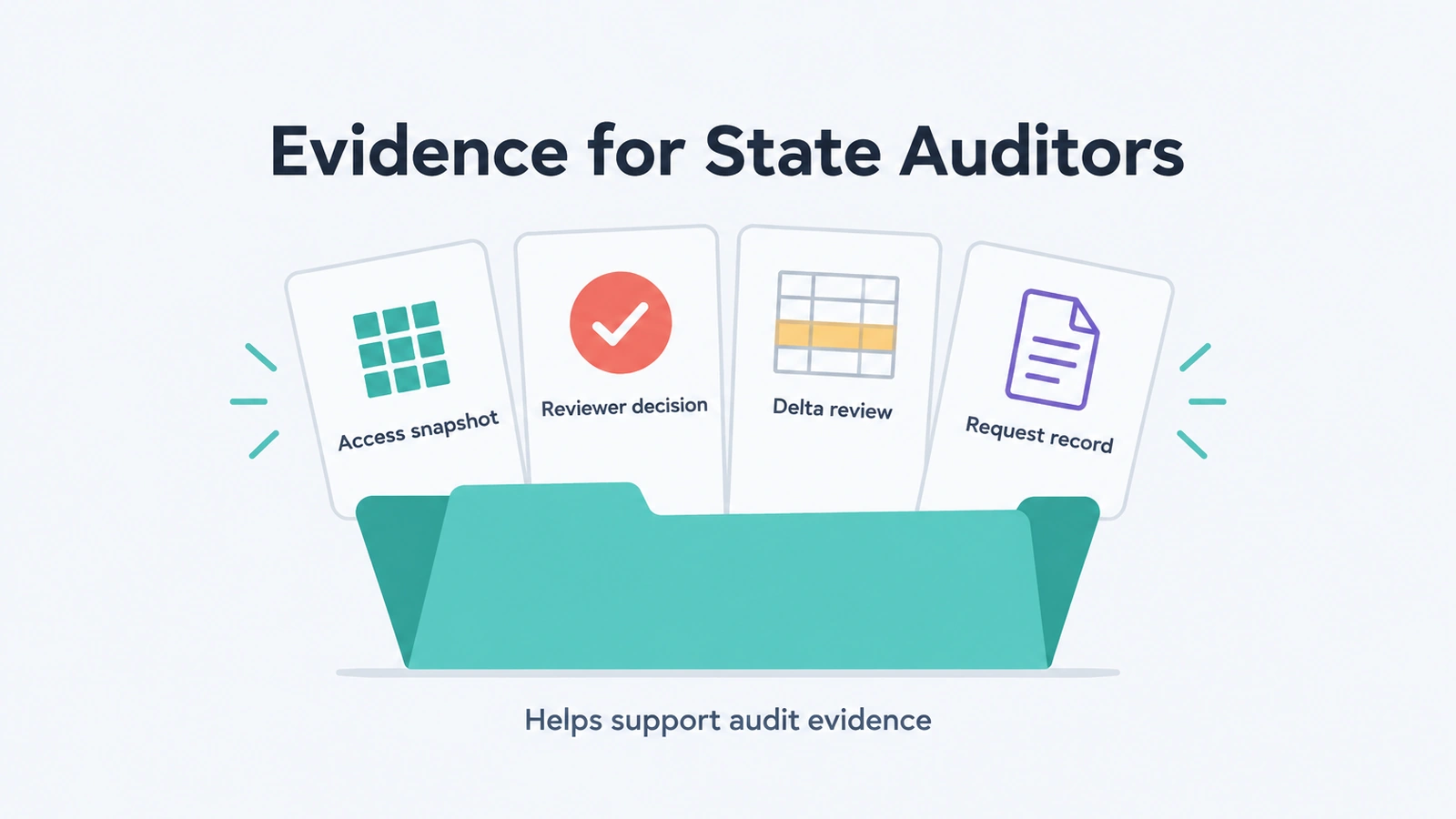 Snapshots, reviewer decisions, delta reviews and request records give an auditor evidence of who has access, who reviewed it and what was requested.
What Avatier ships for state and local IT
For the full framework, see Credential Governance™. For a public employer, it adds up to:
- Self-service and login-screen resets: Password Portal and Login Reset, MFA first.
- Verified help-desk resets: Assisted Reset sends every challenge to the user.
- MFA on shared counters: Strong MFA Login on shared workstations, VDI and Citrix.
- HR-driven access: HR User Provisioning and Group Automation for seasonal, temporary and departing staff.
- Reviewable access: Access Governance certifications and Request History.
For security documentation, see the Avatier Trust Center. Avatier is SOC 2 Type II audited with no exceptions noted and NIST 800-53 Rev. 5 aligned. NIST SP 800-53 Rev. 5 is NIST's catalog of security and privacy controls, and its control families include Access Control and Identification and Authentication. For frameworks, Avatier helps support NIST evidence needs.
Under Pay Per Identity Action™, each completed, verified action is one Secure Outcome, and attempts, failures and retries are never billed. Getting started is free, deployment services are included, and a 45-day money-back guarantee applies; full terms are in the invitation-only preview. For the preview, see the Avatier Identity Anywhere 2027™ site; for the company, see avatier.com.
ABOUT THE AUTHOR

More from Identity by Industry

Bank MFA Rules and Help-Desk Resets: Identity Governance with Avatier
NYDFS requires MFA for any individual on any information system, and the FFIEC flags help-desk resets. What banks and insurers owe examiners, and the Avatier controls behind it.

Rename a User After a Name Change: How Avatier Does It
Which name fields change together when someone's name changes in Active Directory and Entra ID, why renaming by hand drifts, and how Avatier runs it as one recorded request.

Move AD Users Between OUs from Copilot or Claude with Avatier MCP
Move an Active Directory user to another OU from Microsoft Copilot Studio, Claude Code or OpenAI Codex. Avatier verifies you, accepts only an existing OU, routes approval and stores the old OU.