Introducing the Avatier MCP Server: Identity Actions Inside Your AI Assistant
The Avatier MCP server is live at mcp.avatier.com. Connect Claude, Claude Code, GitHub Copilot, Cursor or Gemini CLI and run governed identity actions in plain language, with the same verification, policy and approvals as the Avatier console.

The Avatier MCP server is live at mcp.avatier.com. Connect Claude, Claude Code, GitHub Copilot, Cursor or Gemini CLI and run governed identity actions in plain language, with the same verification, policy and approvals as the Avatier console.
- The Avatier MCP server is live at https://mcp.avatier.com/mcp. Any MCP client that supports remote HTTP servers and OAuth sign-in can connect to it, and people sign in with their Avatier account through OAuth, so there is no API key to manage.
- Once connected, people ask in plain language: unlock my account, reset my password, request access, rehire a former employee, add someone to a group, review pending approvals, and more.
- The assistant is the interface, never the authority. Avatier verifies the person where policy requires it, applies the same policy, approvals and role rules as the console, acts as the signed-in user and records every request.
- Setup takes about a minute in Claude, Claude Code, GitHub Copilot in VS Code, Cursor or Gemini CLI.
- Pay Per Identity Action™ is in invitation-only preview: each completed, verified action is one Secure Outcome, and attempts, failures and retries are never billed.
Most identity requests still start outside the identity system. Someone is locked out, a manager needs access approved, HR has a rehire starting Monday. The request lands in a ticket queue or a phone call, and someone on the service desk opens the identity console to do work the requester could have described in one sentence.
Today the Avatier MCP server is live at https://mcp.avatier.com/mcp. Connect the AI assistant your people already use, and they can make that one-sentence request directly: in Claude, Claude Code, GitHub Copilot, Cursor, Gemini CLI or any MCP client that supports remote servers. Avatier verifies the person where policy requires it, applies the same policy and approvals as the console, does the work and records it. In your assistant the server shows up as Avatier Avabot.
You can see every supported action and the setup steps for each assistant on the Avatier MCP page.
What is MCP?
The Model Context Protocol (MCP) is an open standard, now stewarded by the Linux Foundation, that lets AI assistants call real systems through connectors instead of one-off integrations. An MCP server publishes a set of tools. An MCP client, the assistant, discovers those tools and calls them when a person's request needs them.
For identity, that changes where the work happens. Instead of a person learning the console, or filing a ticket for someone who knows it, the assistant becomes the front door and the identity platform stays the system that decides. We cover the governance model behind that split in MCP identity governance and the control checklist in how to secure MCP servers.
What the Avatier MCP server does
The server exposes Avatier's approved identity capabilities as tools. People can ask it to:
- Credentials: unlock accounts, reset passwords, review their own account activity and report account status.
- Lifecycle and access: request access and roles, remove access and roles, transfer someone to a new role, create new users from an existing person or a provisioning template, rehire a former employee onto the account they already had, enable, disable or delete accounts, change account expiration, move an Active Directory account to a different OU, and update direct reports.
- Approvals: review pending approval requests, delegate approval authority to someone else, and remove themselves (or someone they act for) as an approver.
- Groups and profiles: create groups with owners, members and nested groups in one step, manage members, owners and nested groups, rename, expire or delete groups they manage, change a person's name, and update profile details such as email, phone, title, department and address.
Each of those is an Identity Action. The full list, grouped by pillar, is on the Identity Actions page.
This server is the Avatier Actions connector, the one that does the work. Its companion, Avatier Ledger, turns those completed actions into evidence and answers questions about them; we cover it in how Avatier Ledger records identity actions.
What a request looks like
A rehire run from inside an assistant goes like this:
- A manager types: "Rehire Jordan Lee to Finance, starting Monday."
- Where policy requires it, Avatier verifies the manager first, using the methods their policy already allows.
- The connector fills in only what the manager said. If a detail such as the OU is missing, the assistant asks rather than guessing.
- Avatier checks the request against the same rules as the console: role, approvals, justification.
- The person is rehired onto the account they already had, with the role and OU the request specified, and the request is recorded in Request History.
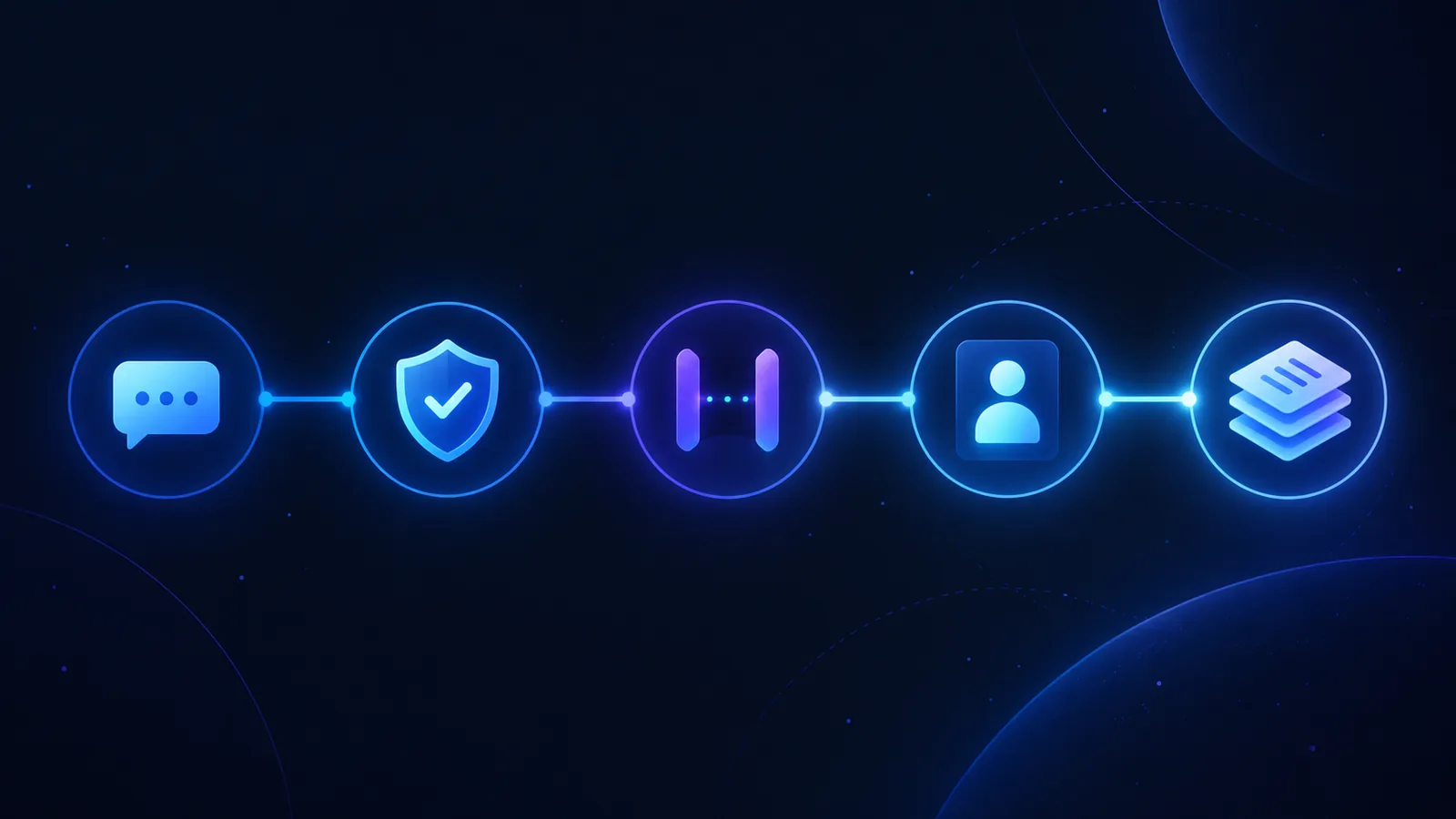
The manager never opened a console and the service desk never saw a ticket. The approval and policy checks still ran in Avatier, the same way they run today.
The guardrails
An assistant that can change who has access to what needs firm limits. The Avatier MCP server has five:

- Avatier verifies the person before sensitive changes, using the verification methods your policy already allows.
- Approvals, justification and role rules apply exactly as they do on the web console.
- Each action runs as the signed-in user, after an OAuth sign-in to your own tenant, so there is no shared service account and no API key to manage.
- The connector sends only what the person actually said, and asks when something is missing.
- Every request lands in Request History, where you can review and export it.
Put plainly, the assistant passes the request along and Avatier makes the decision.
Connect your assistant
One URL works in every MCP client:
https://mcp.avatier.com/mcp

Claude Code. Run this in your terminal, then type /mcp in Claude Code, choose avatier and sign in:
claude mcp add --transport http avatier https://mcp.avatier.com/mcp
GitHub Copilot in VS Code. Merge this into .vscode/mcp.json, select Start above the server entry, sign in, then use Copilot Chat in Agent mode:
{
  "servers": {
    "avatier": {
      "type": "http",
      "url": "https://mcp.avatier.com/mcp"
    }
  }
}
Cursor. Merge this into ~/.cursor/mcp.json, then select Connect next to avatier:
{
  "mcpServers": {
    "avatier": {
      "url": "https://mcp.avatier.com/mcp"
    }
  }
}
Gemini CLI. Merge this into ~/.gemini/settings.json, then run /mcp auth avatier:
{
  "mcpServers": {
    "avatier": {
      "httpUrl": "https://mcp.avatier.com/mcp"
    }
  }
}
Claude (web or desktop). Open Settings → Connectors, choose Add custom connector, name it Avatier MCP, paste the server URL, select Connect and sign in with your Avatier account. On Team or Enterprise plans, an owner adds the connector first.
Every snippet, with a copy button, is on the Avatier MCP page.
Pay Per Identity Action™ (preview)
The Avatier MCP server pairs with a different way to pay for identity. Under Pay Per Identity Action™, each completed, verified action is one Secure Outcome. Attempts, failures and retries are never billed, so the unit you pay for is the same unit you audit.
Pay Per Identity Action™ is in invitation-only preview. Getting started is free, Deployment Services are included, and there is a 45-day money-back guarantee. Pricing is shared with qualified organizations during the preview.
Get started
- Copy the server URL:
https://mcp.avatier.com/mcp. - Add it to your assistant using the steps above.
- Sign in with your Avatier account and ask.
To bring Avatier MCP to your organization, or to join the Pay Per Identity Action™ preview, talk to us.
Claude and Claude Code are trademarks of Anthropic, PBC. GitHub Copilot is a trademark of GitHub, Inc. Cursor is a trademark of Anysphere, Inc. Gemini is a trademark of Google LLC. VS Code and Active Directory are trademarks of Microsoft Corporation. Linux Foundation is a trademark of The Linux Foundation. No partnership with or endorsement by any third party is implied.
ABOUT THE AUTHOR

More from Access Management

Active Directory Group Cleanup: The 2026 Remediation Program
You already know the groups have sprawled. This is the remediation program that reverses it: discovery, ownership assignment, consolidation order, and deletion with a rollback window.

Access Request Portal Adoption: The 2026 Storefront Playbook
A correctly built access request portal still goes unused when the storefront layer is missing — this is the 2026 playbook for browse, search, bundled checkout, status transparency, and re-request.

MFA for Windows Login and RDP: Avatier Strong MFA Login
MFA at the SAML layer leaves Windows login, RDP and server logons on a password alone. Avatier Strong MFA Login binds the factor you already own to every password authentication event.