NERC CIP Access Management: CIP-004 Revocation with Avatier
CIP-004-7 asks utilities to authorize access on need, verify it every quarter and remove remote access within 24 hours of a termination. How Avatier starts revocation from the HR event and records each review and request.
CIP-004-7 asks utilities to authorize access on need, verify it every quarter and remove remote access within 24 hours of a termination. How Avatier starts revocation from the HR event and records each review and request.
- NERC CIP access management means authorizing electronic access to BES Cyber Systems on need, verifying it on a fixed calendar and revoking it on time, with dated evidence.
- CIP-004-7 Part 4.2 requires a check at least once each calendar quarter that people with active access have authorization records.
- CIP-004-7 Part 5.1 requires removing the ability for Interactive Remote Access within 24 hours of a termination action.
- Avatier HR User Provisioning starts revocation from the HR termination record, and Access Governance records each review decision.
- Password Firewall enforces length and composition rules, Strong MFA Login adds a second factor to password events, and the Avatier MCP Server records requests in Request History.
NERC CIP access management is the documented program a utility runs to authorize electronic access to BES Cyber Systems based on need, verify that access on a fixed calendar, and revoke it within the timelines in CIP-004-7, keeping dated evidence of each step. The policy is the easy part. The proof the standard's examples name, a dated workflow record plus a log showing the person no longer has access, is the harder part.
This post goes one level deeper than the energy section of Industries That Need Identity Management Most in 2026 and stays on personnel access and revocation evidence. For substations with no phones, see Air-Gapped MFA for Phone-Free Sites. For leavers in general, see Automated Deprovisioning, and for movers, see Joiner-Mover-Leaver Automation.
What CIP-004-7 R4 asks of access management
CIP-004-7 states its purpose as minimizing the risk of compromise "from individuals accessing BES Cyber Systems by requiring an appropriate level of personnel risk assessment, training, security awareness, and access management." Requirement R4 asks each Responsible Entity to "implement one or more documented access management program(s)." Its parts apply to High Impact BES Cyber Systems and to Medium Impact BES Cyber Systems with External Routable Connectivity, plus their associated EACMS and PACS.
Three parts set the work for electronic access:
- Part 4.1, authorize. A "process to authorize based on need, as determined by the Responsible Entity," covering electronic access and unescorted physical access into a Physical Security Perimeter.
- Part 4.2, verify each quarter. "Verify at least once each calendar quarter that individuals with active electronic access or unescorted physical access have authorization records."
- Part 4.3, review privileges. "For electronic access, verify at least once every 15 calendar months that all user accounts, user account groups, or user role categories, and their specific, associated privileges are correct."
The measures column spells out the evidence. For Part 4.2, one example is dated documentation of the verification between "the system generated list of individuals who have been authorized for access (i.e., workflow database) and a system generated list of personnel who have access (i.e., user account listing)." In plain terms, that example is two system-generated lists and a dated comparison, each quarter.
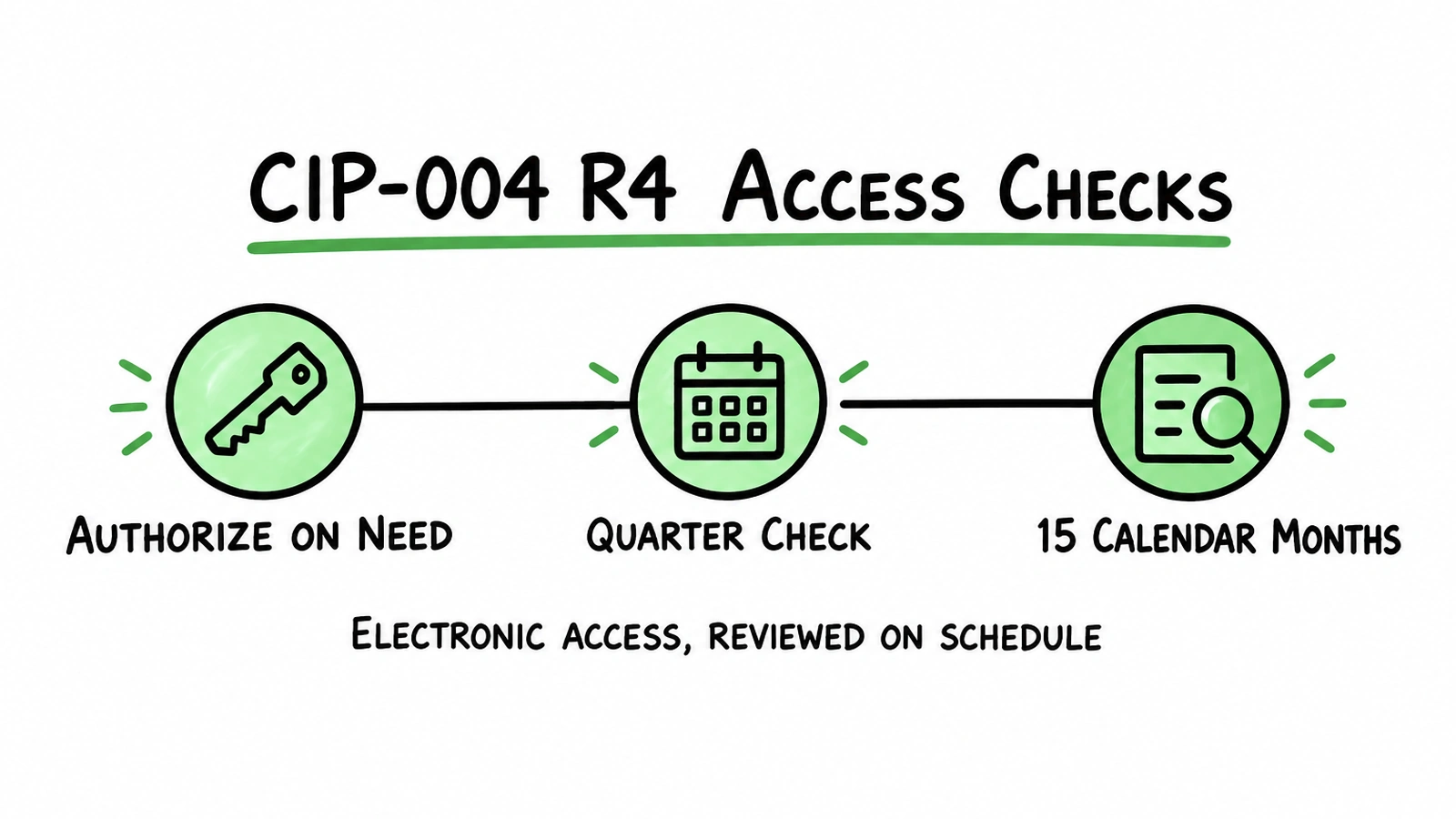 CIP-004-7 R4 in three steps: authorize electronic access on need, check authorization records each quarter, and review privileges every 15 calendar months.
CIP-004 access revocation timelines (R5)
Requirement R5 asks for "one or more documented access revocation program(s)." The clock depends on the event:
| Part | Trigger | What the standard requires | Timeline |
|---|---|---|---|
| 5.1 | Termination action | Remove the ability for unescorted physical access and Interactive Remote Access | Within 24 hours |
| 5.2 | Reassignment or transfer | Revoke electronic access and unescorted physical access no longer necessary | End of the next calendar day |
| 5.3 | Termination action | Revoke non-shared user accounts (High Impact, with EACMS) | Within 30 calendar days |
| 5.4 | Termination or transfer | Change passwords for shared accounts known to the user (High Impact, with EACMS) | Within 30 calendar days |
Part 5.1 adds that "Removal of the ability for access may be different than deletion, disabling, revocation, or removal of all access rights." Its example evidence is a "Dated workflow or sign-off form verifying access removal associated with the termination action" and "Logs or other demonstration showing such persons no longer have access."
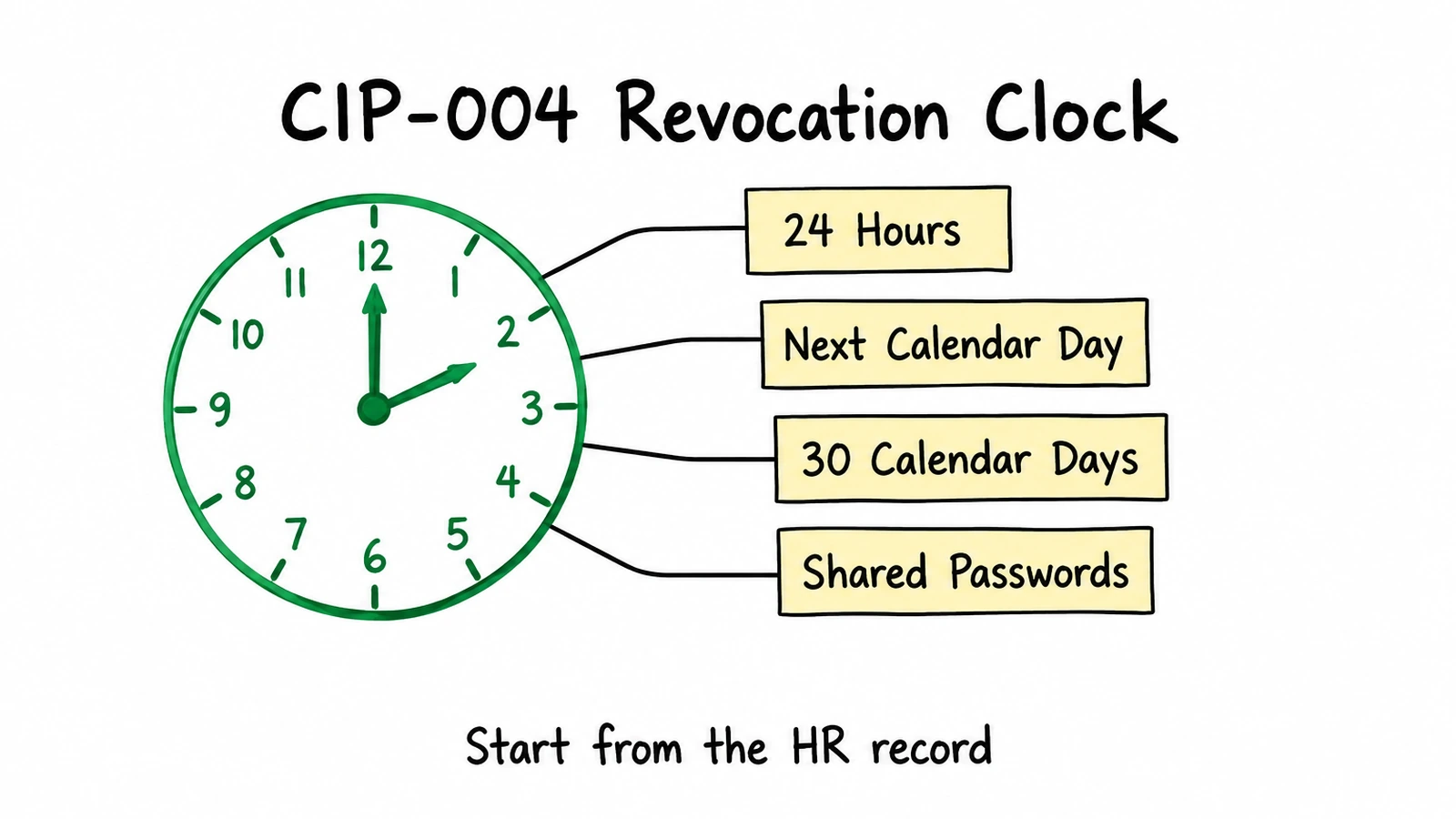 CIP-004-7 R5 sets four clocks: 24 hours after termination, the next calendar day after a transfer, and 30 calendar days for accounts and shared passwords.
As general guidance, the 24-hour clock is easiest to meet when revocation starts from the HR termination record rather than from a ticket someone has to notice, and when the same workflow writes the dated record the auditor will ask for.
Remote access MFA and password rules (CIP-005-7, CIP-007-6)
Two neighboring standards cover remote access and passwords. CIP-005-7 Part 2.3 reads: "Require multi-factor authentication for all Interactive Remote Access sessions." Its examples of authenticators include something the individual knows, "such as passwords or PINs," and something the individual has, "such as tokens, digital certificates, or smart cards."
CIP-007-6 R5 covers system access control. For "password-only authentication for interactive user access," Part 5.5 asks the entity to "either technically or procedurally enforce" a length of "at least, the lesser of eight characters or the maximum length supported by the Cyber Asset" and complexity of "the lesser of three or more different types of characters" or the maximum the asset supports. Part 5.6 adds a password change "at least once every 15 calendar months," where technically feasible. Evidence examples include "System-generated reports or screen-shots of the system-enforced password parameters."
Evidence an auditor can follow
CIP-007-6 says each Responsible Entity "shall retain evidence of each requirement in this standard for three calendar years." As general guidance, the evidence that holds up best across a multi-year audit window is evidence produced as a side effect of the work itself: the approval when access is granted, the reviewer's decision when it is certified, and the request record when it is removed.
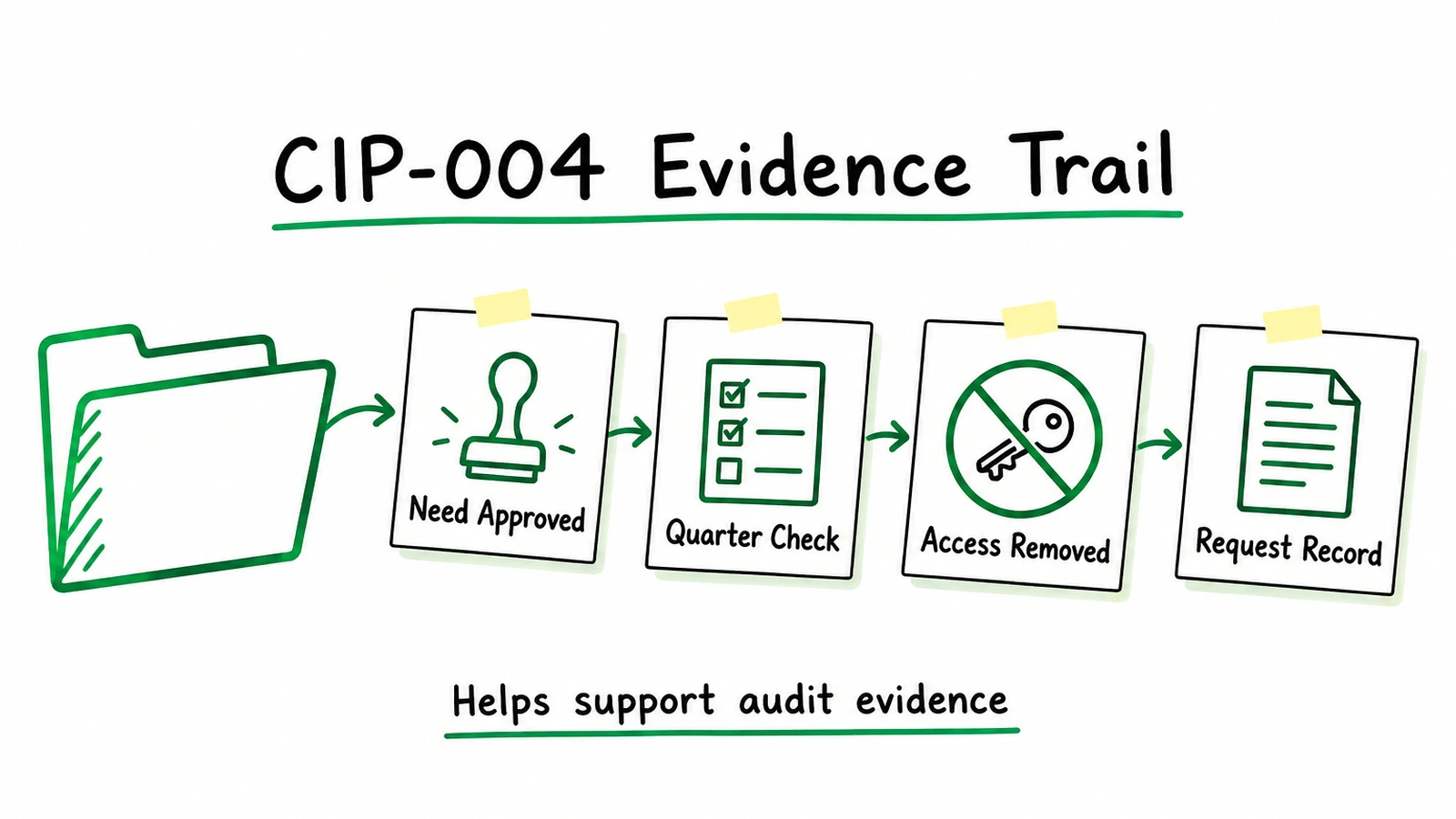 Approvals, quarterly checks, removal records and request history give an auditor a dated trail for each access decision.
What Avatier ships toward this pattern
Avatier HR User Provisioning turns "every HR event, from hire to retire," into "an automated, zero-trust identity workflow across AD, Entra ID, Microsoft 365, and every connected app," and connects to "70+ HR and payroll systems through a single unified integration." On termination, "the moment HR marks someone terminated, Avatier disables their accounts and revokes access," with "Full audit logging." On a transfer, it "applies the new role's access and removes what no longer fits." For details, see HR User Provisioning.
Avatier Access Governance captures Access Certification Snapshots, "a real-time view of who has access to what," routes each review to the right owner, and lets reviewers "approve or revoke in a click." Delta certification means "each cycle reviews only what changed," and the Compliance Manager "flags risk, tracks status, supports multi-level approvals, and captures evidence." Privileged-access and separation-of-duties reviews are among its use cases. Between campaigns, patent-pending Continuous Governance™ "detects orphaned accounts and revokes access that no longer fits." For details, see Access Governance.
On the credential side, Password Firewall installs as an agent on every Active Directory domain controller and validates each password change "against enterprise policy, NIST Common Passwords, and Have I Been Pwned before the change is accepted," with minimum and maximum length and character composition rules. Strong MFA Login binds a second factor, such as Microsoft Authenticator, Okta Verify, Duo, RSA or the Avatier Identity Challenge Card™, to every password authentication event, and it "Supports RDP, Citrix, and shared workstations and servers."
Requests can also start in an AI assistant. The Avatier MCP Server lets staff "Unlock, reset, request, approve and provision in plain language, with the same verification, policy and approvals as the Avatier console." Its Identity Actions include Remove Access and Disable Account, and "Requests land in Request History, ready to review and export." Together, these help support the authorization, review and revocation evidence CIP-004-7 describes.
Getting started
For the credential pillars, see Credential Governance™. For security documentation, see the Avatier Trust Center; Avatier completed its SOC 2 Type II audit with no exceptions noted.
Under Pay Per Identity Action™, each completed, verified action is one Secure Outcome, and attempts, failures and retries are never billed. Getting started is free, deployment services are included, and a 45-day money-back guarantee applies; full terms are in the invitation-only preview. For the preview, see the Avatier Identity Anywhere 2027™ site; for the company, see avatier.com.
ABOUT THE AUTHOR

More from Identity by Industry

Identity Governance for State and Local Government, with Avatier
CISA's state and local grant program lists MFA, enhanced logging and no default passwords. How a lean county or state IT team covers resets, shared counters and term-end churn with Avatier.

Bank MFA Rules and Help-Desk Resets: Identity Governance with Avatier
NYDFS requires MFA for any individual on any information system, and the FFIEC flags help-desk resets. What banks and insurers owe examiners, and the Avatier controls behind it.

Account Expiration Dates: Set, Extend or Clear Them with Avatier
How an Active Directory account expiration date works, how to set, extend or clear one with a reason and an approval, and the Request ID and log entry Avatier keeps for each end-date request.